Better ERP Reporting with Excel Dashboards and Insights

Many businesses invest in an ERP system to keep everything in one place. Sales, stock, finance, and operations are all connected, so reporting should be easy.
But that is not always the case. ERP systems are useful for managing data, yet they often fall short when managers need clear business insights. Simple questions like which products perform best, where costs are rising, or which branch needs attention can still be hard to answer.
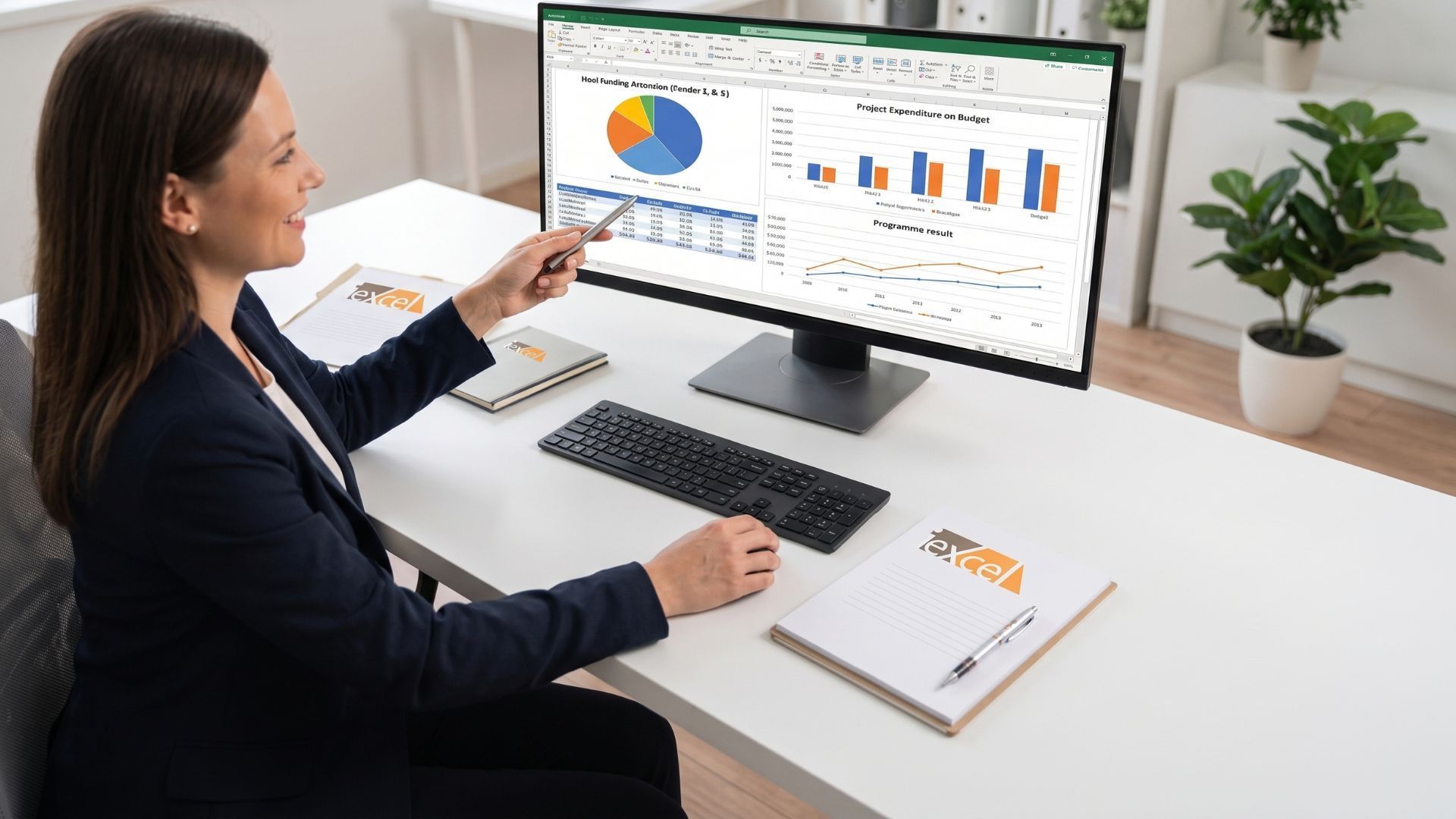
This is where Excel can help by turning ERP data into clearer reports, dashboards, and more useful insights for better decisions.
In this article, I will explain why this happens and how Excel as a reporting solution can help businesses get clearer, more useful insights.
Why ERP Reports Often Fall Short
An ERP system is mainly built to run business operations. It helps process transactions, store records, and keep departments aligned. Reporting is usually included, but its usefulness often depends on the system setup, user capability, and the needs of the business.
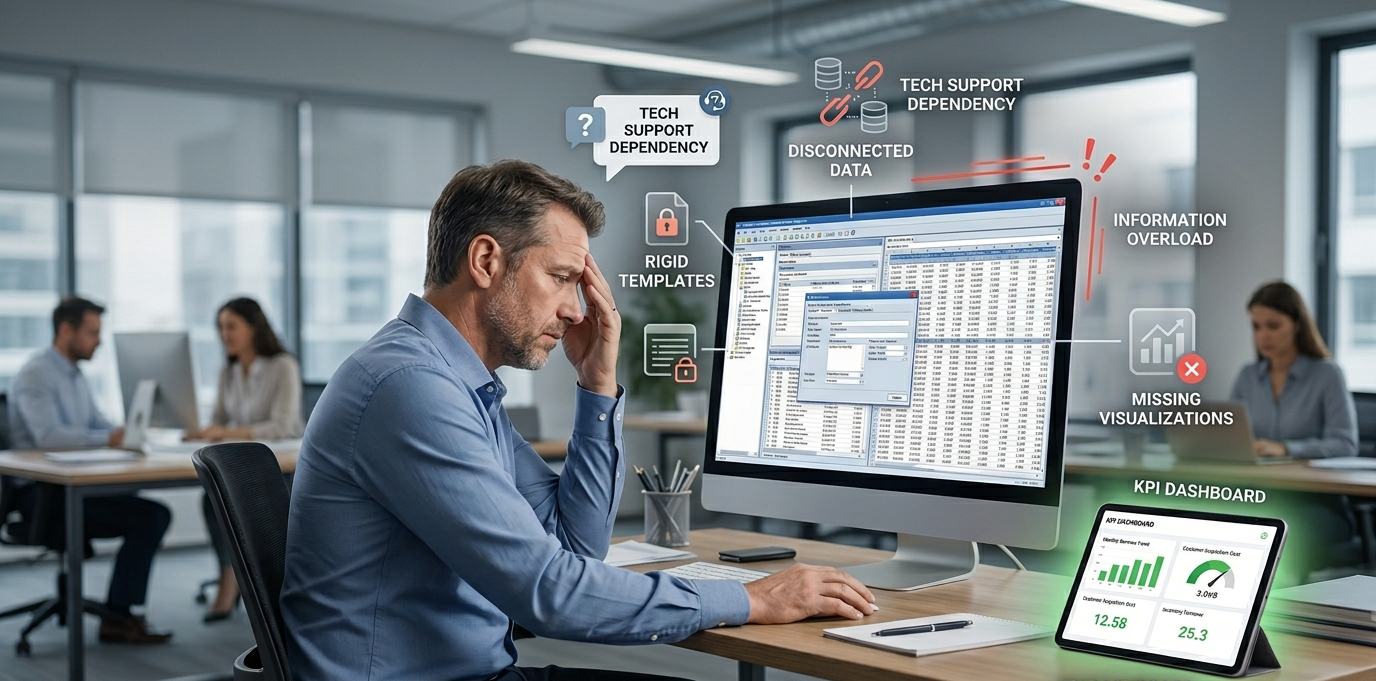
Some common ERP reporting challenges can include:
- Rigid reports with fixed layouts and limited filters
- Data spread across different modules and tables
- Report changes that may require technical support
- Too much raw data without clear insight
- Limited visuals for spotting trends and performance gaps
These issues can make it harder for managers to get a clear view of the business. In many cases, the problem is not the data itself, but the lack of reporting that turns it into clear and useful insight.
Key takeaway: If your ERP reports are not giving managers quick answers, start by identifying the few key numbers your business tracks most often. This makes it easier to build useful Excel reports and dashboards around real business needs.
The Business Impact of Poor Reporting

Poor reporting can slow down business decisions and create unnecessary risk. When managers cannot access clear and up-to-date information, they often rely on manual checks, delayed reports, or incomplete figures. This not only wastes time but also makes it harder to respond quickly when something needs attention.
Weak reporting can affect more than just one department. It can influence sales planning, stock control, budgeting, staffing, and customer service. When the right insights are missing, even small issues can go unnoticed and grow into larger problems over time.
Good decisions depend on clear reporting. If reports are difficult to understand or not available when needed, it becomes much harder for a business to plan with confidence and stay in control.
How Excel Transforms ERP Data into Clear Insights
This is where Excel really comes into its own. Many people think of it as just a basic spreadsheet, but it can do much more. Excel serves as a bridge between your ERP system and the actionable insights your managers need.
It is highly flexible, allowing you to take ERP data, clean it, organise it, and turn it into clear, easy-to-understand reports. Rather than relying solely on standard ERP outputs, you can create custom reports that reflect your business priorities.
For example, you can build dashboards to track:
- Sales trends
- Stock levels
- Overdue accounts
- Team performance
- Project costs
- Monthly profit by category
You can also compare branches, spot exceptions, and monitor key performance indicators all in one view. These reports are much easier to create and use in Excel than directly in many ERP systems.
More Than Just Spreadsheets
Modern Excel is far more powerful than many realise. With Power Query, PivotTables, formulas, charts, and VBA, businesses can automate much of their reporting.
Data can be pulled, cleaned, updated, and presented in a repeatable way, saving time and reducing errors. Instead of recreating reports weekly, you design them once and refresh as needed, giving managers faster access to actionable insights.
Excel also bridges the gap when your ERP cannot provide the exact report. It doesn’t replace the ERP but enhances it, acting as a
practical reporting layer for clearer business analysis.
What Businesses Should Do Next
If your ERP is not giving the insights you need, buying new software isn’t always necessary. Often, optimising your existing data is the better solution:
- Identify key reporting questions: Determine what managers need regularly, which figures are hard to access, and where decisions are delayed due to unclear or incomplete reports.
- Review and organise ERP data: The issue is often not missing data but its structure. Clean, well-organised data makes analysis faster and more accurate.
- Build focused dashboards in Excel: Create simple, clear reports that show only the essential information. Effective dashboards help managers understand the situation quickly and take action.
- Automate reporting where possible: Reduces manual work and ensures managers have timely, consistent, and actionable insights.
Tip: Do not try to fix every reporting issue at once. Start with one dashboard or report that solves a common business problem, then improve from there.
Final Thoughts
ERP systems are important and can play a valuable role in managing business operations and reporting. However, depending on the setup, reporting needs, and user capability, businesses may still need more flexible ways to analyse and present data.
While modern ERP systems and BI tools can offer advanced reporting, many businesses still find Excel to be one of the most practical and flexible in-house tools for turning raw data into meaningful insights.
Used properly, Excel can support better reporting, clearer dashboards, and more informed decision-making.
For businesses looking to improve visibility without overcomplicating the process, it can be a highly effective solution.
Frequently Asked Questions
1. Why are ERP reports often not enough for managers?
ERP reports are usually built for standard business processes, not for flexible decision-making. They often lack custom views, clear visuals, and easy analysis.
2. Can Excel really work better than an ERP for reporting?
Excel does not replace an ERP system, but it can improve reporting. It helps turn raw ERP data into clear dashboards, customised reports, and useful business insights.
3. What kind of reports can be created in Excel from ERP data?
Businesses can create sales reports, profit reports, stock dashboards, performance tracking reports, KPI dashboards, and trend analysis reports in Excel.
4. Is Excel a good option for medium-sized businesses?
Yes, Excel is a practical and cost-effective option for medium-sized businesses, especially when they need better reporting without investing in new software.
5. How can Excel help improve business decision-making?
Excel helps organise data, highlight trends, automate reports, and present information clearly, making it easier for managers to understand performance and take action.