
Cleaning Supplier Data Before a CRM Migration
During a CRM transition, most businesses focus on choosing the software, configuring the workflows and training staff. There is one key aspect that typically gets swept under the rug: the quality of
Data itself being put into the new system.
A client was preparing to move from a legacy system to a new CRM. The task was very simple - transfer supplier information to the new platform and begin its actual use as soon as possible.
The project seemed so simple and clear at first and after exporting the supplier data from the legacy system some issues became apparent.
The database included duplicate records, inconsistent information, extraneous text and several data points were co-located in the same field.
This data would have followed the business into the new system and so would these same problems, if it had been imported directly into the new CRM.
Instead of completing the migration at a hurried pace, we decided to
clean and
organise the data first.
These little extra steps made the migration go much smoother and ensured that the new CRM had a very solid base, right from day one.
Related Article: Better ERP Reporting with Excel Dashboards
The Problems Hidden Inside the Supplier Data
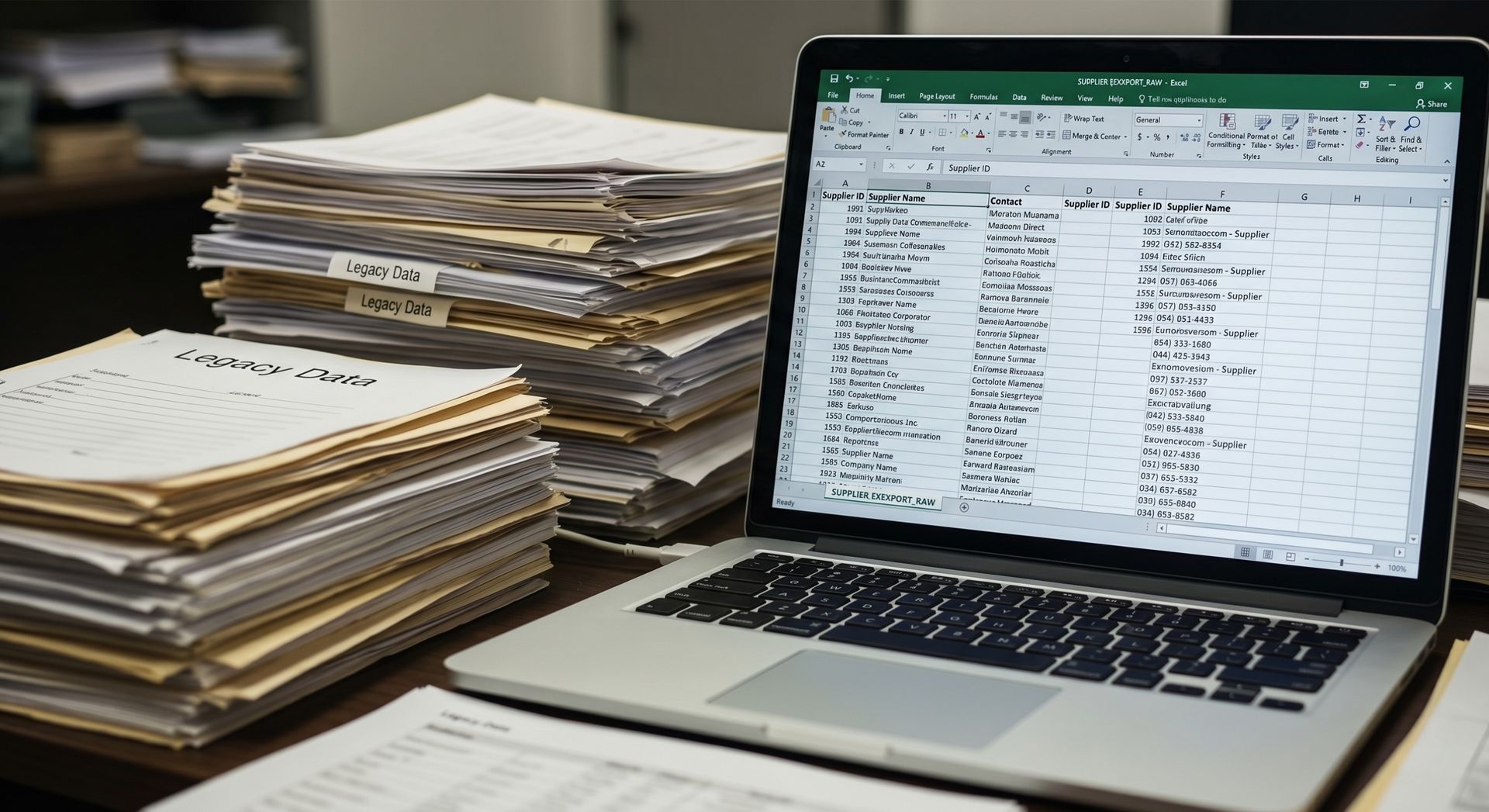
Many businesses assume their data is in good condition until they see it outside the system where it has been stored for years. That was exactly what happened in this project.
After reviewing the export file, several issues were identified:
● Duplicate supplier records
● Different naming formats for the same supplier
● Unwanted information mixed with useful data
● Missing details in some records
● Inconsistent formatting
●
Multiple values combined into a single field
These issues had accumulated over time due to inconsistent data entry practices, leaving the database unprepared for migration.
Cleaning the Data and Removing Duplicate Records
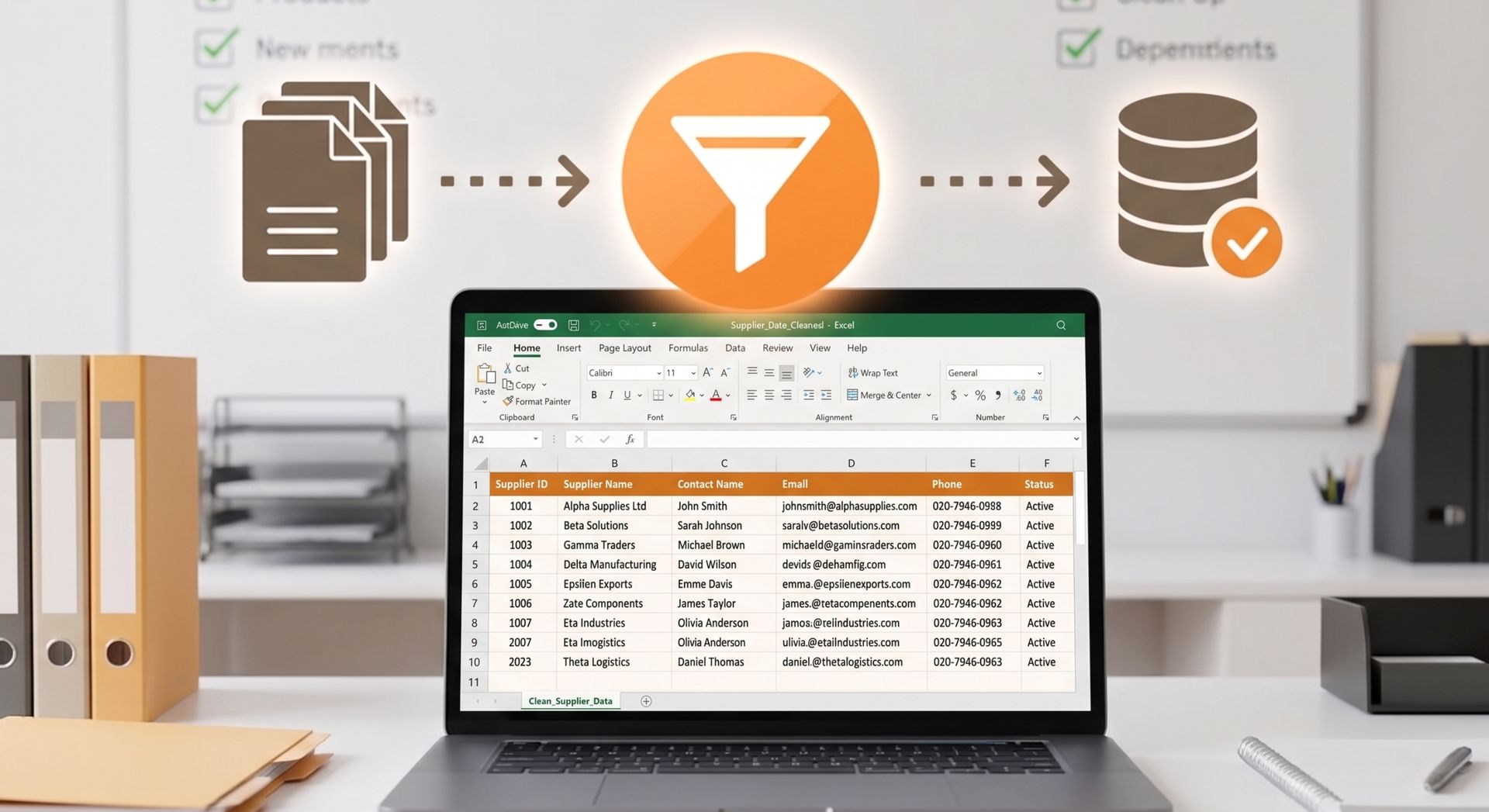
The next step was a detailed
Data Cleanup process focused on removing duplicate records, fixing inconsistencies, and organising the supplier data before migration.
Duplicate records were reviewed and removed, while supplier names and formatting were standardised.
Unwanted information was also cleaned up, resulting in a more reliable database that was easier to search, manage, and migrate into the new CRM.
Divide Information Into the Proper Categories
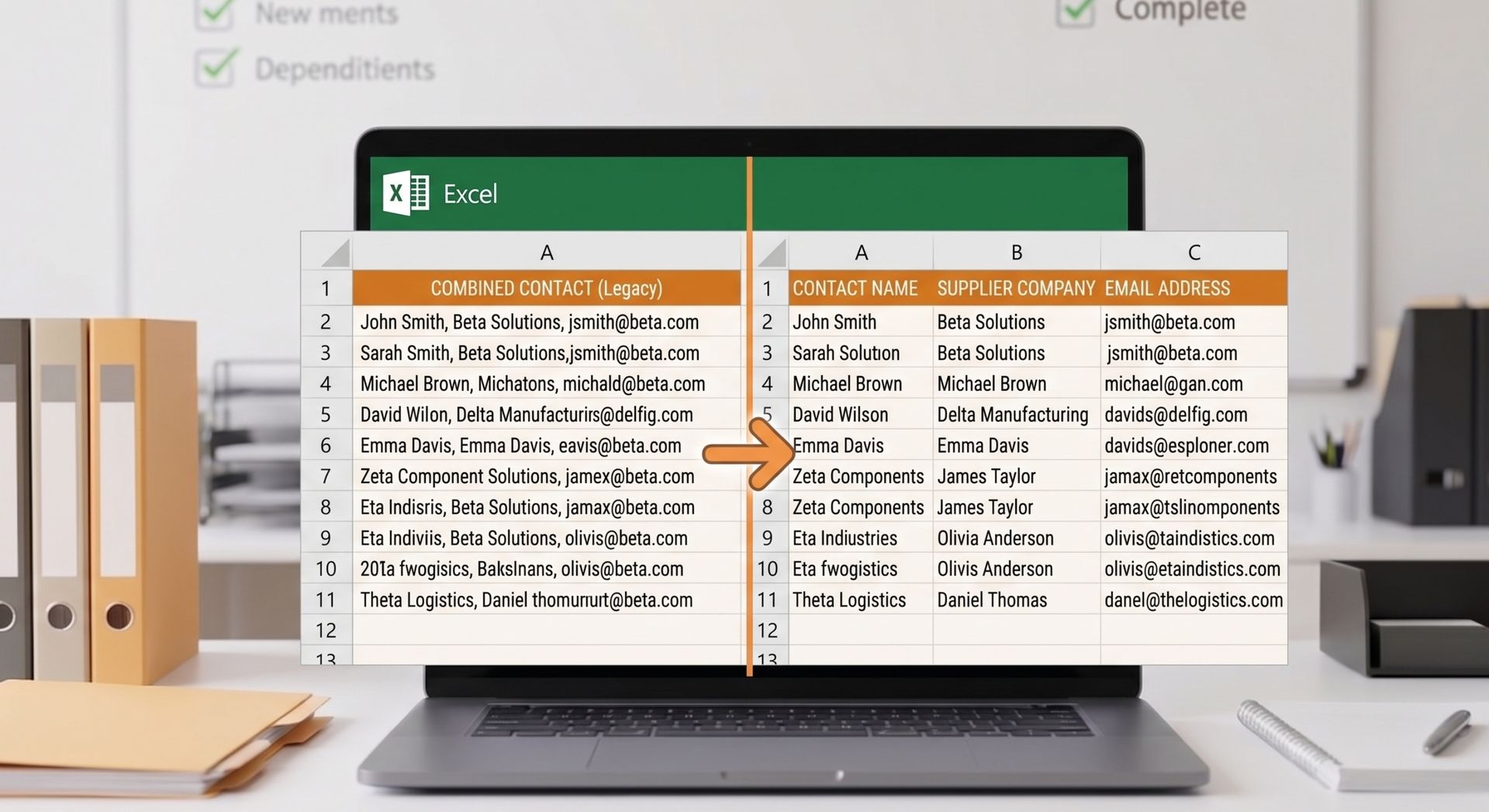
The export from the legacy system was one of the more difficult parts of this project.
Many fields contained multiple pieces of information in a single cell. While this worked in the old system, the new CRM required data to be stored in separate fields.
The data was analysed, cleaned, and entered into the correct CRM fields, resulting in a more organised and usable database from the start.
Preparing the Data for Migration
Once the cleanup and restructuring work had been completed, the data was prepared for migration.
This included:
● Checking records for consistency
● Confirming field structures
● Validating cleaned data
● Ensuring the format matched the CRM requirements
By this stage, the supplier database looked very different from the original export.
Records were cleaner, easier to understand, and much better organised.
The migration process itself became simpler because many potential issues had already been resolved before the data reached the new system.
Results
The project delivered benefits well beyond a successful migration.
The client was able to move supplier information into the new CRM with greater confidence, knowing the data had been reviewed and improved beforehand.
Some of the key outcomes included:
● Fewer duplicate records
● Better organised supplier information
● Improved data accuracy
● Easier reporting
● Reduced migration risk
● Better user experience
● Greater confidence in the new CRM
Instead of spending months fixing data problems after implementation, the business started with a cleaner and more reliable database.
This saved time and reduced frustration for the team using the system.
Why Clean Data Matters Before CRM Migration
A clean database makes future reporting more reliable and creates a stronger foundation for Data Analysis, helping businesses gain more value from their information.
When information is accurate and organised, businesses can make decisions based on facts rather than assumptions.
Good data also supports automation, dashboard reporting, supplier management, and business planning.
Without clean data, even the best CRM system will struggle to deliver accurate results.
Tip: Schedule regular data reviews throughout the year instead of waiting until the next migration project.
Preventing Similar Problems in the Future

One of the lessons from this project was that many of the data quality issues could have been prevented with better processes.
Simple standards for data entry can make a big difference over time.
Businesses can reduce future problems by:
● Creating clear data entry rules
● Reviewing records regularly
● Checking for duplicates
● Training staff on best practices
● Using consistent naming conventions
● Performing routine data audits
Many organisations also benefit from Excel Consulting to help teams work more effectively with large datasets and reduce errors before they become bigger problems.
Small improvements made today can prevent major cleanup projects in the future.
Final Words
This project highlighted an important lesson for any business planning a CRM migration: do not transfer poor quality data into a new system.
The supplier database was thoroughly reviewed, duplicate records were removed, inconsistencies were corrected, and information was organised into the appropriate fields, resulting in a clean and structured dataset.
This led to a smoother migration process, improved data quality, and a stronger foundation for the new CRM system.
Frequently Asked Questions
Why should Data Cleaning happen before CRM migration?
Before CRM migration, data should be clean which means removing duplicate records and errors, as well as correcting for missing or incomplete information to achieve more consistent data.
What if some duplicate records get migrated into a CRM?
Duplicate records can result in inaccurate reporting, duplicate communication and confusion while handling suppliers / customers. Removing duplicates before migration helps maintain a clean and reliable database.
What Is Data Cleansing and Preparation?
Data Cleanup & Preparation is a process that involves reviewing, correcting, organising and validating data before it gets used for reporting, analysis and automation or migrating systems.
What makes data quality a significant part of a new CRM system?
A CRM is only as good as the information you put into it. A good reporting system can only consist of clean and up to date data to enable improved decision making and the user trust in what is stored.
How can businesses keep data quality intact post-migration?
Businesses can provide quality data by designing criteria for data entry, executing periodic audits and assessing duplicate records and training staff that assesses business data.