From Data to Decisions: How Excel Can Help Not-for-Profits Work Smarter
Are You Spending Too Much Time Managing Data?
Your data may be spread across Excel files, CSV files, accounting systems and other software. Valuable information may be underused, while gaps in the data you need can make analysis and decision-making harder.
The good news is that
Excel can turn data into useful information
- when it is designed and used in the right way.
The Challenge: Having Data Is Not the Same as Using It Well
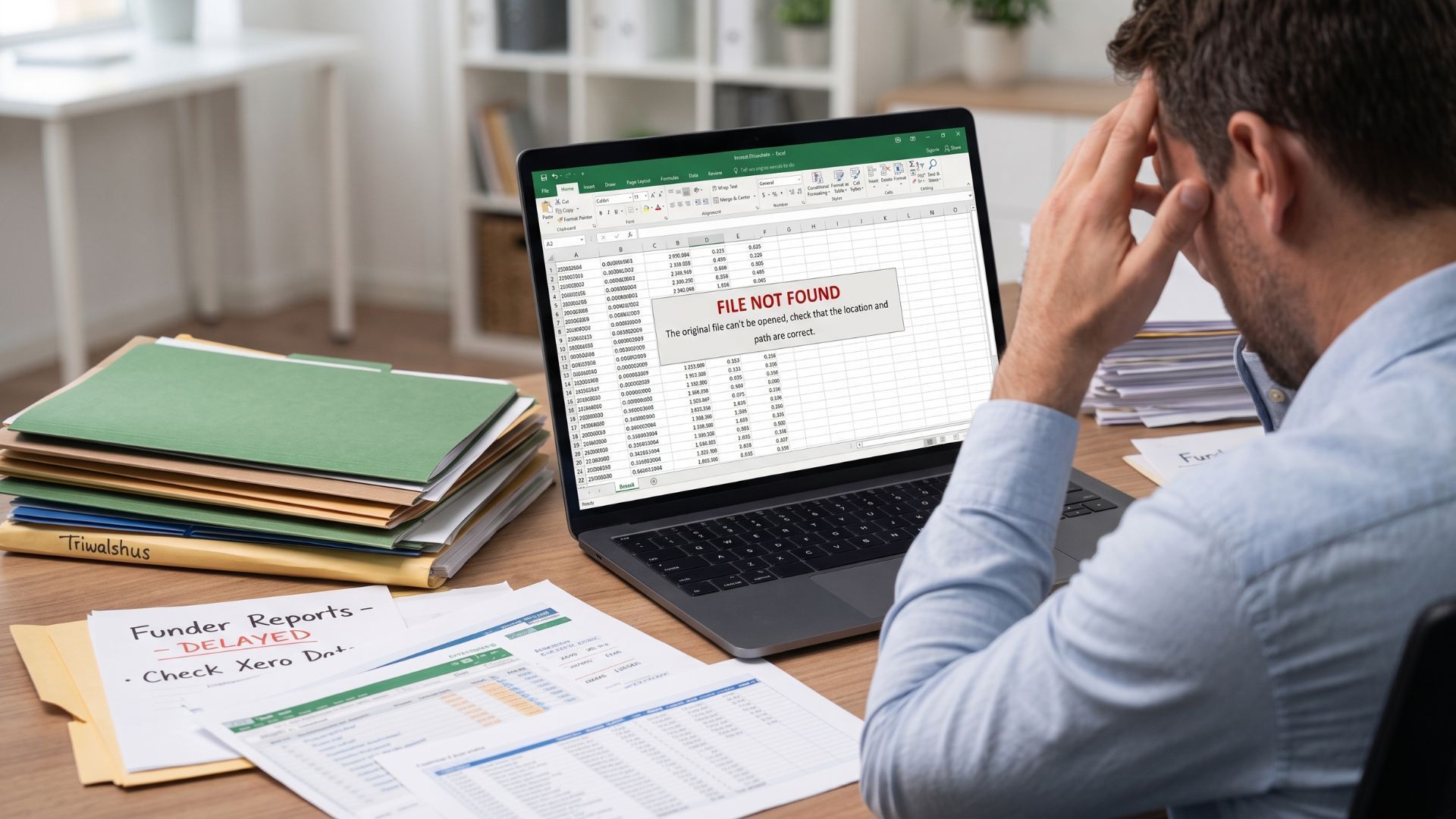
Not-for-profits and charities manage information about funding, budgets, projects, staff, volunteers, programmes, outcomes and finance.
Although the information may be available, getting the
right information at the right time can still mean searching, copying, checking and reconciling data from different sources.
This can lead to unnecessary manual work, slow reporting and less time for the work that matters.
Your data is valuable. Are you making it work for you?
The Opportunity: Excel Can Do Much More Than Basic Spreadsheets
Excel is more than a place to enter numbers.
With the right design, it can
bring data together, automate repetitive work, analyse information and turn it into clear reports and dashboards.
For example, Excel can help you:
- Manage funding and projects - track grants, budgets, expenditure, balances and deadlines.
- Monitor finance and resources - analyse budget vs actuals, payroll costs and funding allocations.
- Measure programmes and impact - combine programme, volunteer, output and outcome information.
- Automate reporting - produce management, Board and funder reports with less manual work.
- Support accountability
- make data easier to check, reconcile and prepare for audits and compliance.
The Right Approach: Understand First, Then Build
Don't start by asking,
“What spreadsheet should we build?”
Start by asking:
“What data do you have, what do you need, and how can you make better use of it?”
This helps identify
needs, data gaps, challenges and opportunities
before deciding on the right solution.
The process can be simple:
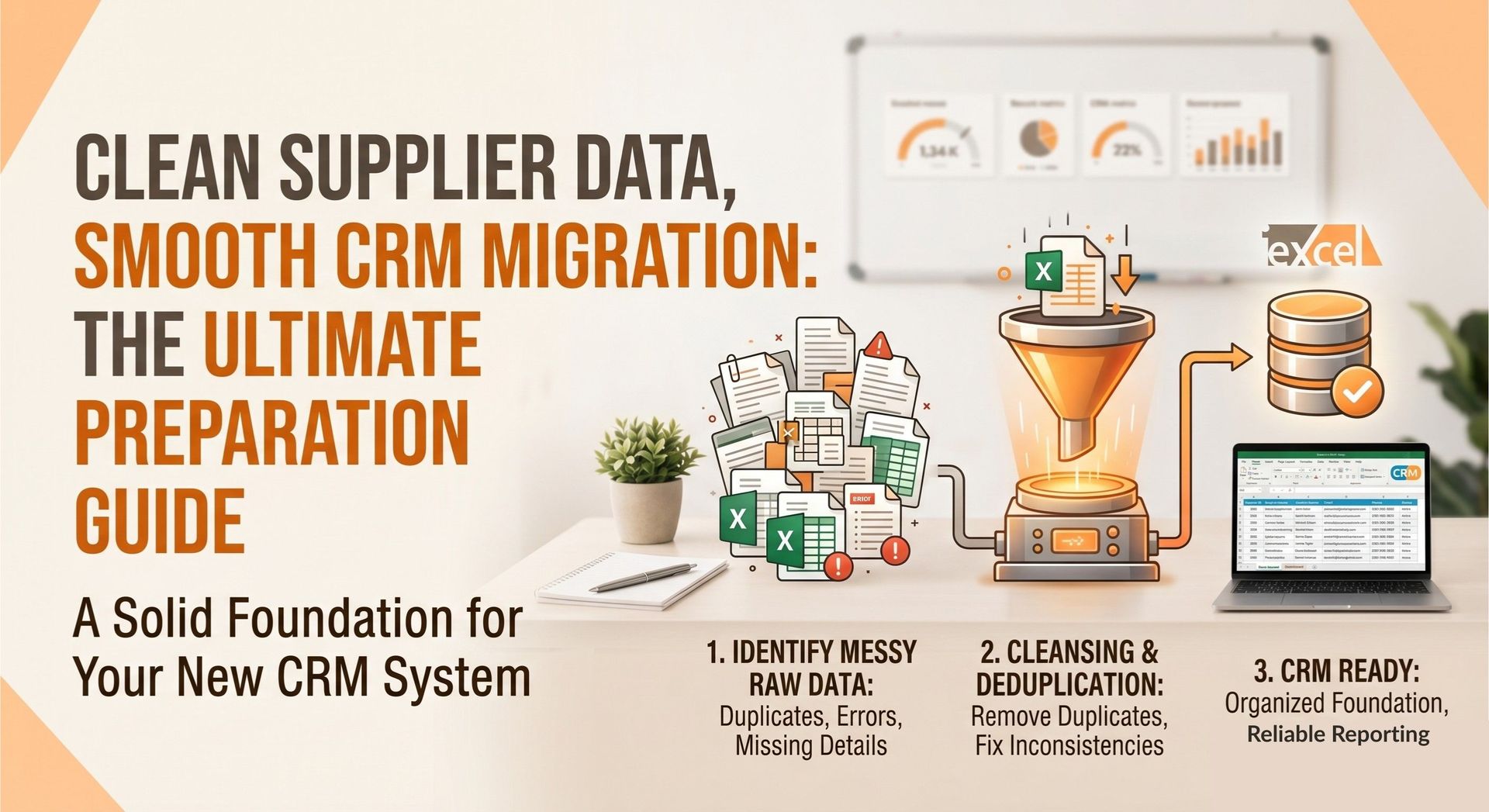
Understand → Connect →
Clean
→ Analyse → Automate → Report
Using Excel, Power Query, queries, formulas, macros and VBA, data can be collected from existing systems and CSV files, combined, analysed and transformed into useful reports and dashboards.
Where appropriate, routine processes can be made as simple as
clicking a button.
The Result: Less Manual Work, Better Information, More Confidence
Imagine having:
Connected data instead of scattered files.
Automated processes instead of repeated manual work.
Clear reports and dashboards instead of hours spent searching for information.
Timely information instead of waiting for reports to be prepared.
Ultimately:
Better information → Better decisions → Better results
You don’t always need a new and expensive technology system. Sometimes, the smarter approach is to make better use of the tools and data you already have.
Your Data. Your Excel. Your Better Decisions.

Whether you need to solve a data challenge, improve an existing process, identify a data gap or discover what your data can do,
the right Excel solution can make a real difference.
iExcel helps organisations understand their data needs and develop practical Excel and data solutions that fit the way they work.
Have a data or Excel challenge? Let's explore what is possible.
Frequently Asked Questions
Can Excel handle multi-funder grant reporting?
Yes. With the right design and automation, Excel can track multiple funders, grants, projects, budgets and expenditure and produce customised reports.
Can Excel connect to Xero and MYOB for reporting?
Yes, depending on the system and your requirements. Excel can use Power Query and other tools to bring accounting and organisational data together for analysis and reporting.
How can organisations use Excel for data management and reporting?
In many ways. Excel can help collect, combine, clean and analyse data, automate repetitive tasks, and create reports and dashboards for finance, projects, funding, operations and performance.